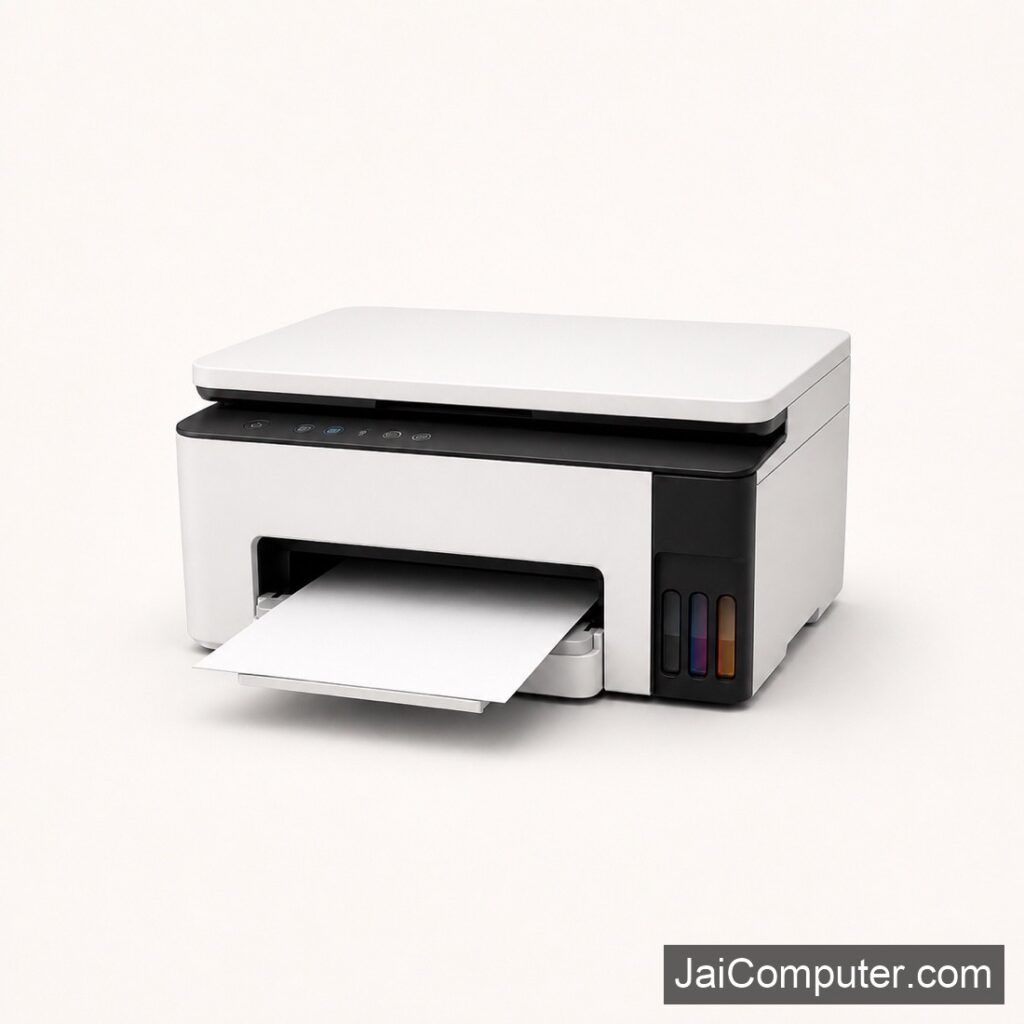
प्रिंटर पेपर जैम की समस्या
क्या आपका प्रिंटर बार-बार पेपर जैम कर रहा है? यह एक आम समस्या है जिसे सही तरीके से हल किया जा सकता है। यहां हम आपको बताएंगे कि कैसे जल्दी से इस समस्या का समाधान करें।
आम लक्षण
चेतावनी संदेश
पेपर जैम होने पर प्रिंटर अक्सर एक चेतावनी संदेश दिखाता है।
फंसे हुए पेपर की आवाज़
आप पेपर के फंसे होने की आवाज़ भी सुन सकते हैं।
प्रिंट क्वालिटी
प्रिंट क्वालिटी अचानक खराब हो सकती है या प्रिंटर बिल्कुल भी प्रिंट नहीं कर सकता।
संभावित कारण
पुराना या गलत पेपर
पुराना या गलत प्रकार का पेपर इस्तेमाल करने से पेपर जैम हो सकता है।
प्रिंटर रोलर्स
गंदे या घिसे हुए रोलर्स भी समस्या का कारण बन सकते हैं।
सेफ चेक्स
- प्रिंटर को बंद करें और बिजली से हटाएं।
- पेपर ट्रे निकालें और देखें कि कहीं कोई पेपर फंसा तो नहीं है।
- अगर पेपर फंसा है, तो उसे धीरे से खींचकर बाहर निकालें। ध्यान रखें कि पेपर न फटे।
क्या न करें
- कभी भी प्रिंटर को चालू स्थिति में पेपर निकालने की कोशिश न करें।
- अगर समस्या बार-बार हो रही है, तो इसे खुद ठीक करने की कोशिश न करें।
प्रोफेशनल मदद कब लें
अगर समस्या गंभीर है या डेटा संवेदनशील है, तो हमारे विशेषज्ञों से संपर्क करें। अधिक जानकारी के लिए हमारे वेबसाइट संपर्क पृष्ठ पर जाएं या हमारे ओसियन स्थित स्टोर पर आएं।
रोकथाम के उपाय
- हमेशा सही प्रकार का और अच्छी गुणवत्ता का पेपर उपयोग करें।
- प्रिंटर रोलर्स को नियमित रूप से साफ करें।
- प्रिंटर के अंदर धूल न जमने दें।
FAQs
- प्रिंटर बार-बार पेपर जैम क्यों करता है? पुराने या गलत प्रकार के पेपर इस्तेमाल करने से।
- क्या पुराने पेपर का उपयोग समस्या पैदा कर सकता है? हां, पुराने या नमी वाले पेपर से पेपर जैम हो सकता है।
- क्या मैं खुद से समस्या का समाधान कर सकता हूँ? हां, लेकिन अगर समस्या बार-बार हो रही है, तो विशेषज्ञ की मदद लें।
समस्या हल करने के लिए सही उपाय अपनाएं और जरूरत पड़ने पर Jai Computers Osian के अनुभवी तकनीशियनों से मार्गदर्शन प्राप्त करें।
Understanding Printer Paper Jam
Experiencing a paper jam can be frustrating, but with the right approach, it can be resolved quickly and safely. As an experienced technician from Jai Computers Osian, let me guide you through effective troubleshooting steps.
Common Symptoms of a Paper Jam
Paper jams usually trigger a warning message on the printer’s display. You may also hear unusual noises as the paper gets stuck. Additionally, the printer might stop printing, or the print quality may degrade significantly.
Identifying Likely Causes
- Incorrect Paper Type: Using paper that is too thick or not recommended for your printer model.
- Overloaded Paper Tray: Filling the paper tray beyond its capacity can lead to jams.
- Worn Rollers: Old or worn rollers may not feed paper properly.
- Dirty Printer Internals: Dust and debris can interfere with paper feeding mechanisms.
Safe Diagnostic Checks
Step 1: Turn Off and Unplug
Always begin by turning off the printer and unplugging it from the power source. This ensures safety and prevents damage.
Step 2: Remove Paper Tray
Carefully take out the paper tray and inspect it for any visible paper jams. If you find paper, gently pull it out to avoid tearing.
Step 3: Check Inside the Printer
Open the printer cover and look inside for any stuck paper. Use a flashlight if necessary to see clearly. Remove any paper gently.
What Not to Do
- Do not attempt to pull jammed paper out forcefully as it could tear or damage the printer.
- Avoid using sharp objects to remove paper, as they can harm the printer’s components.
- Do not repeatedly attempt fixes if the jam persists; this could exacerbate the issue.
When to Seek Professional Help
If you have followed the steps and the issue persists, it might be time to consult a professional. Particularly if the printer frequently jams or if you handle sensitive documents, it’s best to get expert help. Visit Jai Computers Osian for further assistance from our experienced technicians.
Preventing Future Paper Jams
- Use the Correct Paper Type: Always use paper that is recommended for your printer model.
- Regular Maintenance: Clean the printer regularly to prevent dust buildup.
- Do Not Overload: Avoid exceeding the paper tray’s capacity.
Frequently Asked Questions
- Why does my printer keep jamming? It might be due to using incorrect paper types or overloading the paper tray.
- Can old paper cause problems? Yes, old or damp paper can lead to jams and should be avoided.
- Can I fix the issue myself? Yes, basic troubleshooting can be done at home, but for persistent problems, seek professional help.
For more guidance, visit Jai Computers Osian. Our team is ready to assist you with any printer issues you may have.