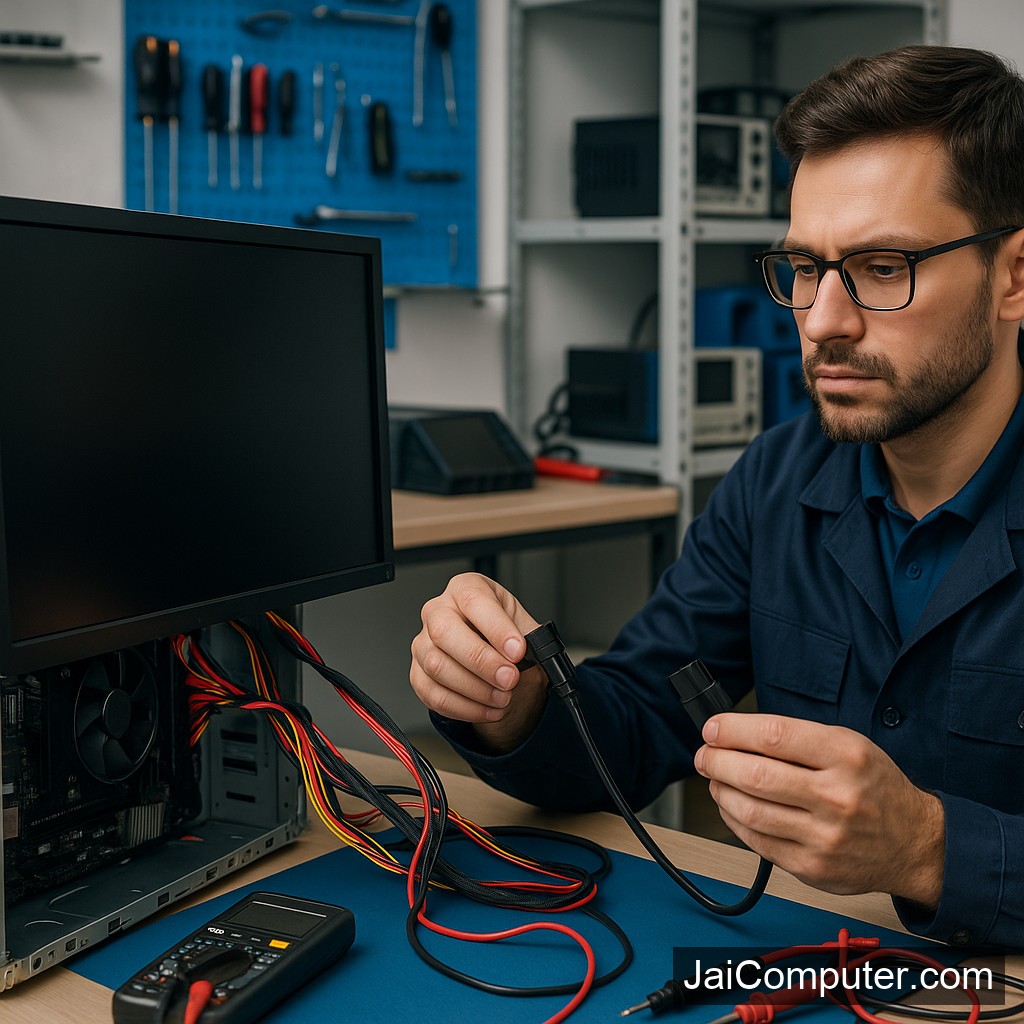
कंप्यूटर की स्क्रीन काली है? मॉनिटर और पावर सप्लाई चेक करें
कंप्यूटर पर काली स्क्रीन का दिखना एक सामान्य समस्या हो सकती है। यह अक्सर तब होता है जब मॉनिटर या पावर सप्लाई ठीक से काम नहीं कर रहे होते। आइए जानें कि कैसे इस समस्या को हल किया जा सकता है।
लक्षण पहचानें
काली स्क्रीन के संकेत
जब आपका कंप्यूटर चालू होता है लेकिन स्क्रीन पर कुछ नहीं दिखता, यह काली स्क्रीन की समस्या का संकेत है। कभी-कभी ‘नो सिग्नल’ संदेश भी दिख सकता है।
संभावित कारण
हार्डवेयर असफलताएँ
मॉनिटर, पावर सप्लाई, या केबल की खराबी इस समस्या के मुख्य कारण हो सकते हैं।
घरेलू डायग्नोस्टिक चेक
- मॉनिटर केबल चेक करें: सुनिश्चित करें कि मॉनिटर केबल सही से कनेक्टेड है।
- पावर सप्लाई चेक करें: कंप्यूटर और मॉनिटर दोनों की पावर सप्लाई को जांचें।
- मॉनिटर को अन्य डिवाइस से कनेक्ट करें: यह देखने के लिए कि मॉनिटर काम कर रहा है या नहीं।
- मेमोरी और ग्राफिक्स कार्ड चेक करें: ये सही से फिट नहीं होते तो समस्या आ सकती है।
क्या नहीं करना चाहिए
- खुद से हार्डवेयर खोलने की कोशिश न करें।
- किसी भी केबल को जबरदस्ती न खींचें।
- बिजली के झटके से बचने के लिए सावधानी बरतें।
कब पेशेवर मदद लें
अगर उपरोक्त चेक के बाद भी समस्या बनी रहती है, तो पेशेवर मदद लें। ऐसे मामलों में, जोखिम से बचने के लिए स्वयं मरम्मत करने की कोशिश न करें।
रोकथाम के उपाय
- अपने कंप्यूटर को नियमित रूप से साफ करें।
- सभी कनेक्शनों को सही से जोड़ें और जांचें।
- पावर सप्लाई की नियमित जांच करें।
अक्सर पूछे जाने वाले प्रश्न
- क्या मॉनिटर बदलने से समस्या हल हो सकती है? हाँ, अगर मॉनिटर में समस्या है तो।
- क्या पावर सप्लाई की समस्या से स्क्रीन काली हो सकती है? हाँ, यह आम कारण हो सकता है।
- क्या यह समस्या स्वयं ठीक की जा सकती है? कुछ मामलों में हाँ, लेकिन सावधानी बरतें।
अगर समस्या बनी रहती है, तो हमारी वेबसाइट पर संपर्क करें या ओसियन में हमारे Jai Computers स्टोर पर आएं। हम आपकी सहायता के लिए तैयार हैं।
Understanding the Black Screen Issue
A black screen can be a frustrating problem, often indicating that your monitor or power supply might not be functioning correctly. This guide will help you troubleshoot the issue safely at home.
Common Symptoms of a Black Screen
If your computer turns on but displays nothing, it is likely experiencing a black screen issue. You might also see a ‘No Signal’ message on the monitor, suggesting a connection problem.
Identifying Likely Causes
Several factors can cause a black screen, including:
- Loose or faulty monitor cables
- Power supply issues
- Malfunctioning monitor
- Improperly seated memory or graphics card
Safe Diagnostic Checks
1. Check Monitor Cable Connections
- Ensure that all cables are securely connected to the monitor and computer.
- Check for any visible damage to the cables.
2. Verify Power Supply
- Confirm that the power cord is plugged into an active outlet and the monitor.
- Check if the power indicator light on the monitor is on.
3. Test the Monitor with Another Device
- Connect the monitor to a different computer or device to see if it displays correctly.
4. Inspect Memory and Graphics Card
- If comfortable, ensure memory and graphics cards are properly seated. However, avoid internal inspections unless experienced.
What Not to Do
- Do not open the computer case if you are unfamiliar with hardware components.
- Avoid pulling on cables forcefully to prevent damage.
- Exercise caution to avoid electrical shocks.
When to Seek Professional Help
If the above checks do not resolve the issue, it might be time to consult a professional. Visit Jai Computers Osian for expert assistance and reliable service.
Preventing Future Black Screen Issues
- Regularly check and secure all cable connections.
- Ensure your power supply is stable and sufficient for your computer’s needs.
- Keep your computer components clean and dust-free.
Frequently Asked Questions
- Can changing the monitor fix the issue? Yes, if the monitor is faulty, replacing it can resolve the problem.
- Can a power supply issue cause a black screen? Absolutely, a faulty power supply is a common cause of black screens.
- Can I fix this issue myself? You can attempt basic checks, but proceed with caution and seek professional help if unsure.
For more help, visit Jai Computers Osian, where our experienced technicians are ready to assist you with your computer needs.