परिचय
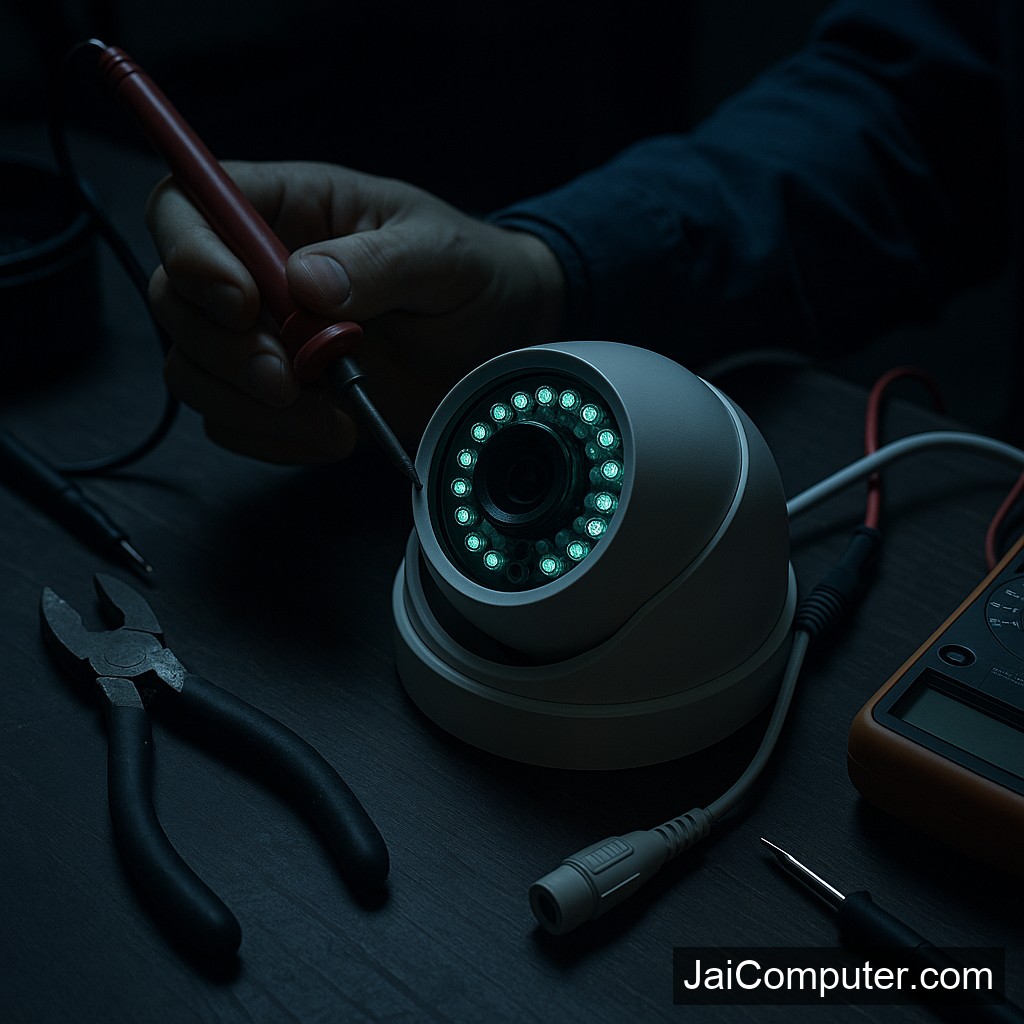
क्या आपकी सीसीटीवी का नाइट विजन सही से काम नहीं कर रहा है? यह एक आम समस्या है, खासकर जब सुरक्षा की बात आती है। आइए इसे समझें और समाधान खोजें।
सामान्य लक्षण
अगर आपकी सीसीटीवी का नाइट विजन काम नहीं कर रहा है, तो आप निम्नलिखित समस्याओं का सामना कर सकते हैं:
- रात में स्क्रीन पर स्पष्ट तस्वीर नहीं दिखती।
- इन्फ्रारेड लाइट्स काम नहीं कर रही हैं।
- छवि धुंधली या बहुत अंधेरी दिखाई देती है।
संभावित कारण
नाइट विजन की समस्या के कुछ सामान्य कारण हो सकते हैं:
- कैमरे के लेंस पर धूल या गंदगी।
- पावर स्रोत में समस्या।
- कैमरे की सेटिंग्स में गड़बड़ी।
डायग्नोस्टिक चेक्स
कैमरा लेंस की सफाई
कैमरे के लेंस को साफ करें। धूल या गंदगी छवि गुणवत्ता को प्रभावित कर सकती है।
पावर स्रोत की जांच
सुनिश्चित करें कि कैमरा सही से पावर प्राप्त कर रहा है।
सेटिंग्स की समीक्षा
कैमरे की सेटिंग्स में नाइट मोड का चयन करें।
क्या न करें
- कैमरे को खोलने की कोशिश न करें; यह वारंटी को रद्द कर सकता है।
- गैर-कुशलता से तारों को हेरफेर न करें; यह और अधिक समस्याएं उत्पन्न कर सकता है।
कब पेशेवर मदद लें
अगर समस्या गंभीर है या आपको हार्डवेयर से संबंधित कोई शंका है, तो पेशेवर मदद लें।
रोकथाम के उपाय
- कैमरे की नियमित सफाई करें।
- पावर स्रोत की जाँच करें और सुनिश्चित करें कि वह सुरक्षित है।
- समय-समय पर सेटिंग्स की समीक्षा करें।
जाय कंप्यूटर्स से संपर्क करें
अगर समस्या गंभीर है या आपका डेटा संवेदनशील है, तो हमारी वेबसाइट के संपर्क पृष्ठ के माध्यम से हमसे संपर्क करें या हमारे ओसियन स्थित स्टोर पर आएं।
अक्सर पूछे जाने वाले प्रश्न (FAQs)
- क्या नाइट विजन की समस्या को घर पर ठीक किया जा सकता है? हां, कुछ मामलों में। अगर समस्या हार्डवेयर से संबंधित है, तो विशेषज्ञ की मदद जरूरी है।
- कैमरे के इन्फ्रारेड लाइट्स क्यों नहीं जल रही हैं? यह बिजली की समस्या हो सकती है या लाइट्स खराब हो सकती हैं।
- क्या नाइट विजन के लिए अलग से सेटिंग्स होती हैं? हां, अक्सर कैमरे में नाइट मोड सेटिंग्स होती हैं जिन्हें जांचा जा सकता है।
Understanding CCTV Night Vision Issues
When your CCTV’s night vision fails, it compromises security. Identifying the root cause is essential for timely resolution and prevention of future occurrences.
Common Symptoms
Recognizing the symptoms of night vision problems helps in diagnosing the issue:
- Images appear unclear or absent in low light conditions.
- Infrared lights do not illuminate when it’s dark.
- The footage captured is excessively dark or blurry.
Initial Diagnostic Checks
Before seeking professional help, perform these safe checks:
1. Clean the Camera Lens
- Use a microfiber cloth to remove dust and dirt from the lens, which can obscure images.
2. Verify Power Supply
- Ensure the camera is properly connected to a power source. Check for any loose connections or damaged cables.
3. Adjust Camera Settings
- Access the camera’s settings and make sure night mode is enabled. Refer to the user manual for guidance.
What to Avoid
Taking certain actions can worsen the problem. Here’s what not to do:
- Do not disassemble the camera; it may void warranties and cause further damage.
- Avoid handling internal wiring without expertise; this can lead to electrical hazards.
When to Seek Professional Help
If the problem persists after basic checks, it may indicate a deeper issue:
- Persistent power failures or hardware malfunctions require professional diagnosis.
- Contact a technician if infrared lights are faulty or need replacement.
For expert assistance, visit Jai Computers Osian. Our experienced team can provide reliable solutions tailored to your security needs.
Preventive Measures
Regular maintenance can prevent future night vision issues:
- Schedule routine inspections to ensure all components are functioning correctly.
- Keep the camera lens clean and free from obstructions.
- Ensure firmware and software are up to date for optimal performance.
Frequently Asked Questions (FAQs)
- Can night vision issues be fixed at home? Basic issues like cleaning the lens or adjusting settings can be resolved at home. For hardware problems, consult a professional.
- Why aren’t the camera’s infrared lights turning on? This could be due to a power supply issue or faulty infrared lights. Professional assessment is recommended.
- Are there separate settings for night vision? Yes, many cameras include a night mode setting which should be checked and enabled for proper night vision functionality.