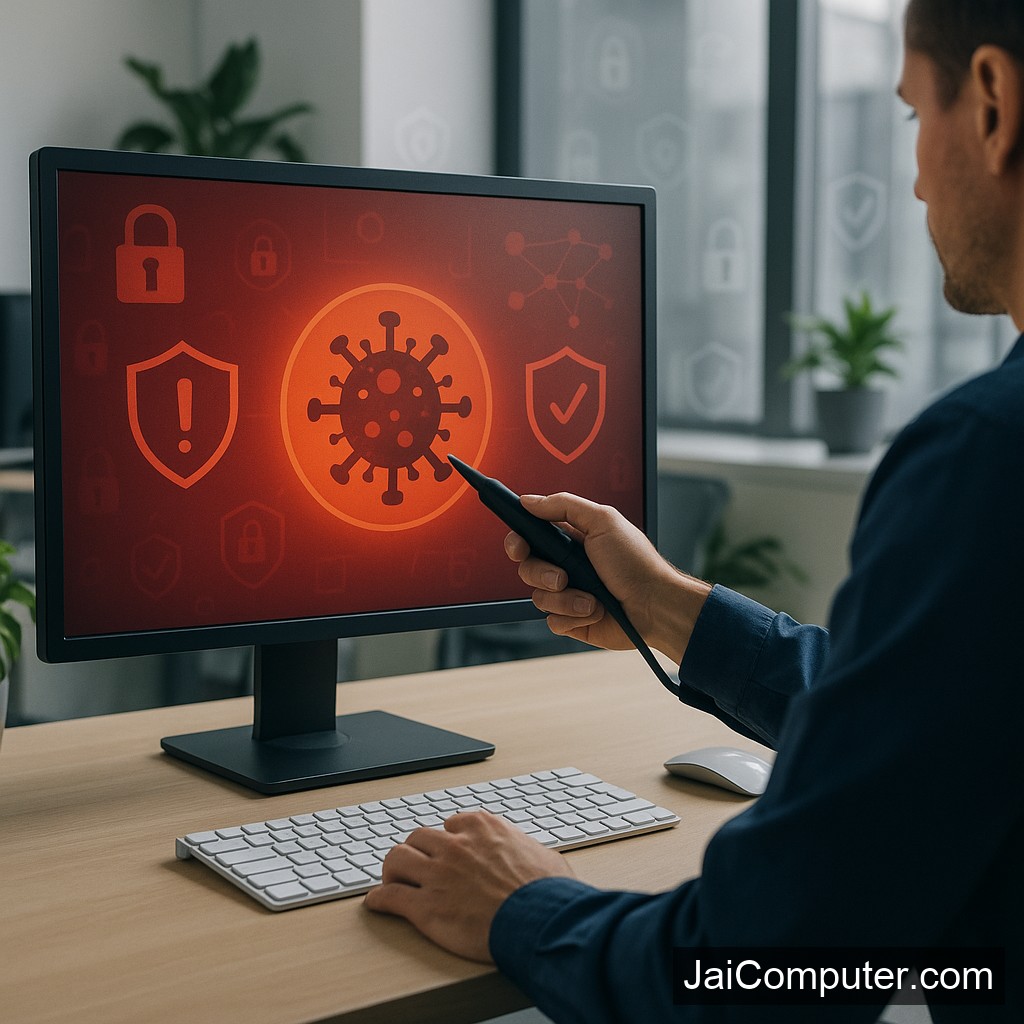
कंप्यूटर वायरस अटैक? पीसी को सुरक्षित और संरक्षित कैसे करें
वायरस अटैक आजकल कंप्यूटर उपयोगकर्ताओं के लिए एक गंभीर समस्या बन गई है। सही ‘कंप्यूटर वायरस रिमूवल टूल्स’ का उपयोग करके, आप अपने पीसी को सुरक्षित और संरक्षित रख सकते हैं।
वायरस अटैक के लक्षण
कंप्यूटर वायरस के कारण अक्सर निम्नलिखित लक्षण दिखाई देते हैं:
- कंप्यूटर का धीरे चलना
- अचानक बंद हो जाना या रीस्टार्ट होना
- अनचाही पॉप-अप विंडो का आना
- फाइल्स का गायब होना या करप्ट होना
संभावित कारण
वायरस अटैक के प्रमुख कारण निम्नलिखित हो सकते हैं:
- अज्ञात स्रोतों से सॉफ़्टवेयर डाउनलोड करना
- संदिग्ध ईमेल अटैचमेंट्स खोलना
- फ्री सॉफ्टवेयर का अंधाधुंध उपयोग
सुरक्षित जांच के उपाय
एंटीवायरस स्कैन
अपने एंटीवायरस सॉफ़्टवेयर का फुल स्कैन रन करें।
सिस्टम अपडेट
अपने ऑपरेटिंग सिस्टम और सॉफ़्टवेयर को अपडेटेड रखें।
अनचाहे प्रोग्राम्स हटाएं
सिस्टम से अनजान या संदिग्ध प्रोग्राम्स को अनइंस्टॉल करें।
क्या न करें
- अज्ञात ईमेल अटैचमेंट्स ना खोलें
- संदिग्ध वेबसाइट्स पर ना जाएं
- फ्री सॉफ्टवेयर से सावधान रहें
कब पेशेवर मदद लें
यदि समस्या गंभीर है या डेटा संवेदनशील है, तो पेशेवर मदद लें। आप हमारी वेबसाइट पर संपर्क कर सकते हैं या ओसियन में हमारी दुकान पर आ सकते हैं।
रोकथाम के उपाय
- नियमित रूप से बैकअप लें
- मजबूत पासवर्ड का उपयोग करें
- एंटीवायरस सॉफ़्टवेयर को अपडेट रखें
FAQ
- क्या सभी वायरस को हटाया जा सकता है? – अधिकांश को हटा सकते हैं, लेकिन कुछ जटिल होते हैं।
- क्या मुफ्त एंटीवायरस सुरक्षित हैं? – कुछ सुरक्षित हैं, पर सावधानी जरूरी है।
- क्या वायरस हार्डवेयर को नुकसान पहुंचा सकता है? – सीधे नहीं, लेकिन अप्रत्यक्ष रूप से हानि हो सकती है।
आशा करते हैं कि यह जानकारी आपके लिए उपयोगी सिद्ध होगी। अधिक जानकारी के लिए Jai Computers Osian से संपर्क करें।
Identifying a Computer Virus Attack
A computer virus can cause a variety of disruptions. Recognizing these disruptions early can help mitigate damage and protect your data.
Common Symptoms of a Virus
Look for these signs that your computer might be infected:
- Noticeably slower performance than usual
- Frequent and unexpected shutdowns or restarts
- Unexpected pop-up ads or alerts
- Files disappearing or being renamed
- Unusual error messages
Understanding the Causes of Virus Infections
Viruses can infiltrate your system through various means, often exploiting vulnerabilities or user behavior.
Common Causes
- Downloading attachments from unknown emails
- Clicking on suspicious links or ads
- Installing pirated or unverified software
- Using infected external drives
Performing Safe Diagnostic Checks
Before taking any action, conduct safe checks to confirm the presence of a virus.
Steps for Diagnosis
- Run a comprehensive scan with updated antivirus software.
- Ensure your operating system and all software are up-to-date.
- Check for any unfamiliar programs in your installed software list.
- Review browser settings for any unauthorized changes.
What to Avoid During a Virus Attack
Acting hastily can worsen the situation. Avoid these actions to prevent further issues:
- Do not open suspicious emails or attachments.
- Avoid visiting dubious websites or clicking on unknown links.
- Refrain from downloading free software from untrusted sources.
- Avoid attempting advanced repairs without professional guidance.
When to Seek Professional Assistance
If the problem persists or the virus seems particularly aggressive, it may be time to consult an expert.
Indicators for Professional Help
- Repeated failures of antivirus software to remove the threat
- Critical data or business files are at risk
- System performance continues to degrade despite efforts
Visit Jai Computers Osian for reliable assistance. Our team can help you restore your system securely. Find us online for more information.
Preventing Future Virus Infections
Prevention is key to avoiding the hassle of virus infections. Follow these guidelines to keep your computer secure:
Preventive Measures
- Regularly update your antivirus software and operating system.
- Back up important data frequently.
- Use strong, unique passwords and change them regularly.
- Educate yourself and others about safe internet practices.
Frequently Asked Questions
- Can all viruses be removed? – While most viruses can be eliminated, some may require specialized tools or professional intervention.
- Are free antivirus programs safe? – Many are safe, but it’s crucial to research and choose reputable software.
- Can a virus damage hardware? – Direct hardware damage is rare, but viruses can cause software issues that indirectly affect hardware performance.