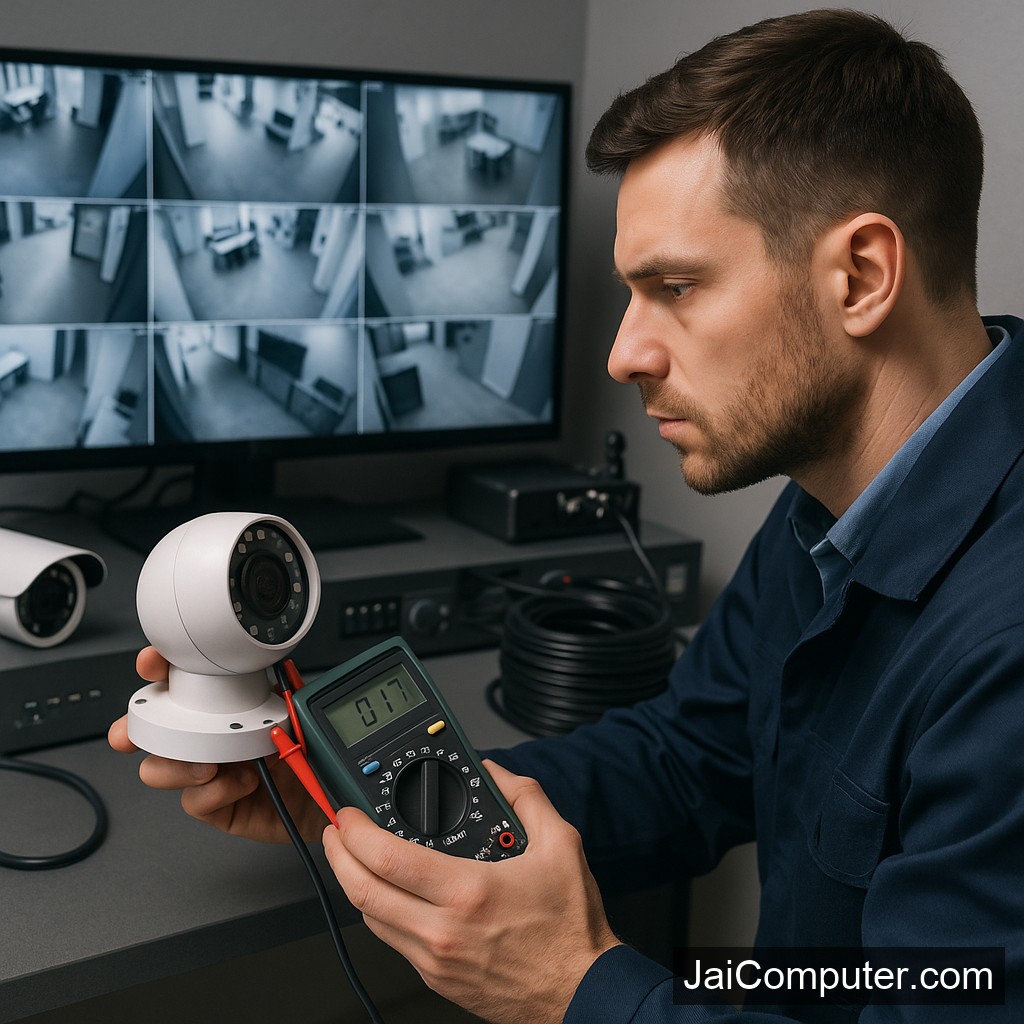
कैमरा लाइव फीड क्यों रुक जाता है?
सीसीटीवी कैमरा का लाइव फीड बंद होना एक चिंताजनक समस्या हो सकती है। लेकिन घबराएं नहीं, जय कंप्यूटर्स ओसियान में हम आपकी सहायता के लिए हैं। यहां सरल और प्रभावी कदम बताए गए हैं जिससे आप इस समस्या का समाधान कर सकते हैं।
लक्षण पहचानें
संभावित संकेत
- स्क्रीन पर ‘नो सिग्नल’ संदेश
- वीडियो का जमना या रुक-रुककर चलना
- काली या धुंधली स्क्रीन
डायग्नोस्टिक चेक्स
1. पावर सप्लाई की जांच
पावर केबल्स की सही कनेक्शन की जाँच करें। बिजली कटने पर यूपीएस का उपयोग करें।
2. नेटवर्क कनेक्शन की जाँच
राउटर और कैमरे के बीच नेटवर्क केबल्स की जाँच करें। वाईफाई उपयोग के लिए सिग्नल की शक्ति सुनिश्चित करें।
3. सॉफ्टवेयर अपडेट
कैमरा सॉफ्टवेयर को नियमित रूप से अपडेट करें। पुराना फर्मवेयर समस्याएं उत्पन्न कर सकता है।
4. कैमरा और DVR/NVR रीस्टार्ट करें
कभी-कभी सॉफ्टवेयर गड़बड़ी से समस्याएं होती हैं, इसलिए रीस्टार्ट करना सहायक हो सकता है।
क्या नहीं करना चाहिए
किसी भी तार को जबरदस्ती खींचे नहीं। यदि समस्या का समाधान नहीं हो रहा है, तो खुद से हार्डवेयर खोलने की कोशिश ना करें।
कब पेशेवर मदद लें
अगर इन सभी प्रयासों के बाद भी समस्या बनी रहती है, तो पेशेवर मदद लें। विशेषज्ञ की सलाह से जटिल समस्याओं को हल करना आसान होता है।
रोकथाम के उपाय
- नियमित रूप से सिस्टम की जांच करें।
- सॉफ्टवेयर अपडेट्स को नजरअंदाज ना करें।
- सही पावर बैकअप का उपयोग करें।
जय कंप्यूटर्स से संपर्क करें
अगर समस्या बनी रहती है, तो हमारे वेबसाइट के कॉन्टैक्ट पेज या ओसियान में हमारे स्टोर पर आकर हमसे संपर्क करें।
FAQ
क्या मैं खुद से कैमरा ठीक कर सकता हूँ?
हां, लेकिन अगर समस्या गंभीर है, तो विशेषज्ञ की सलाह लें।
कैमरा सिग्नल क्यों नहीं दिखा रहा?
यह पावर या नेटवर्क समस्या हो सकती है।
क्या सॉफ्टवेयर अपडेट जरूरी है?
हां, यह नई समस्याओं से बचने के लिए जरूरी है।
Understanding Why CCTV Live Feed Stops Working
When your CCTV live feed suddenly stops, it can be quite concerning. At Jai Computers Osian, we aim to guide you through troubleshooting steps to resolve the issue effectively and safely.
Common Symptoms of Live Feed Issues
Identifying the symptoms is the first step in diagnosing the problem. Look out for these signs:
- A ‘No Signal’ message appears on the monitor.
- The video feed freezes or stops intermittently.
- The screen displays black or blurry images.
Step-by-Step Diagnostic Checks
1. Verify the Power Supply
Ensure that all power cables are securely connected to the camera and any associated devices. Using a UPS or battery backup can help prevent power-related issues during outages.
2. Assess Network Connection
Check the network cables connecting the camera to the router. For wireless connections, ensure that the WiFi signal is strong and stable.
3. Update Software and Firmware
Outdated software can lead to functionality issues. Make sure the camera’s software and firmware are up to date to prevent compatibility problems.
4. Inspect Hardware Components
Restart the camera and DVR/NVR systems. A simple reboot can resolve many software-related glitches.
Precautions: What Not to Do
Avoid forcibly pulling or tugging on cables, as this can cause damage. If you’re unsure about the issue, refrain from opening the device as it might void the warranty or cause further harm.
When to Seek Professional Help
If the problem persists after trying these steps, it’s time to consult a professional. Visit Jai Computers Osian for expert assistance and further diagnosis. Our team is ready to help you restore your CCTV system efficiently.
Preventive Measures to Avoid Future Issues
Regular maintenance can help prevent live feed issues. Consider the following preventive measures:
- Schedule routine inspections of the system.
- Ensure all software and firmware are regularly updated.
- Keep the hardware clean and free from dust.
Frequently Asked Questions
Can I fix the CCTV camera myself?
While minor issues can often be resolved with simple troubleshooting, more severe problems require professional expertise to prevent potential damage.
Why is my camera not showing a signal?
This could be due to power disruptions or network connectivity issues. Ensure all connections are secure and functioning.
Is software update necessary for my CCTV?
Yes, regular software updates are crucial to keep your system running smoothly and to avoid new issues from arising.
For more personalized guidance, visit our Jai Computers Osian store or reach out via our website’s contact page. We are here to ensure your security systems are operating optimally.