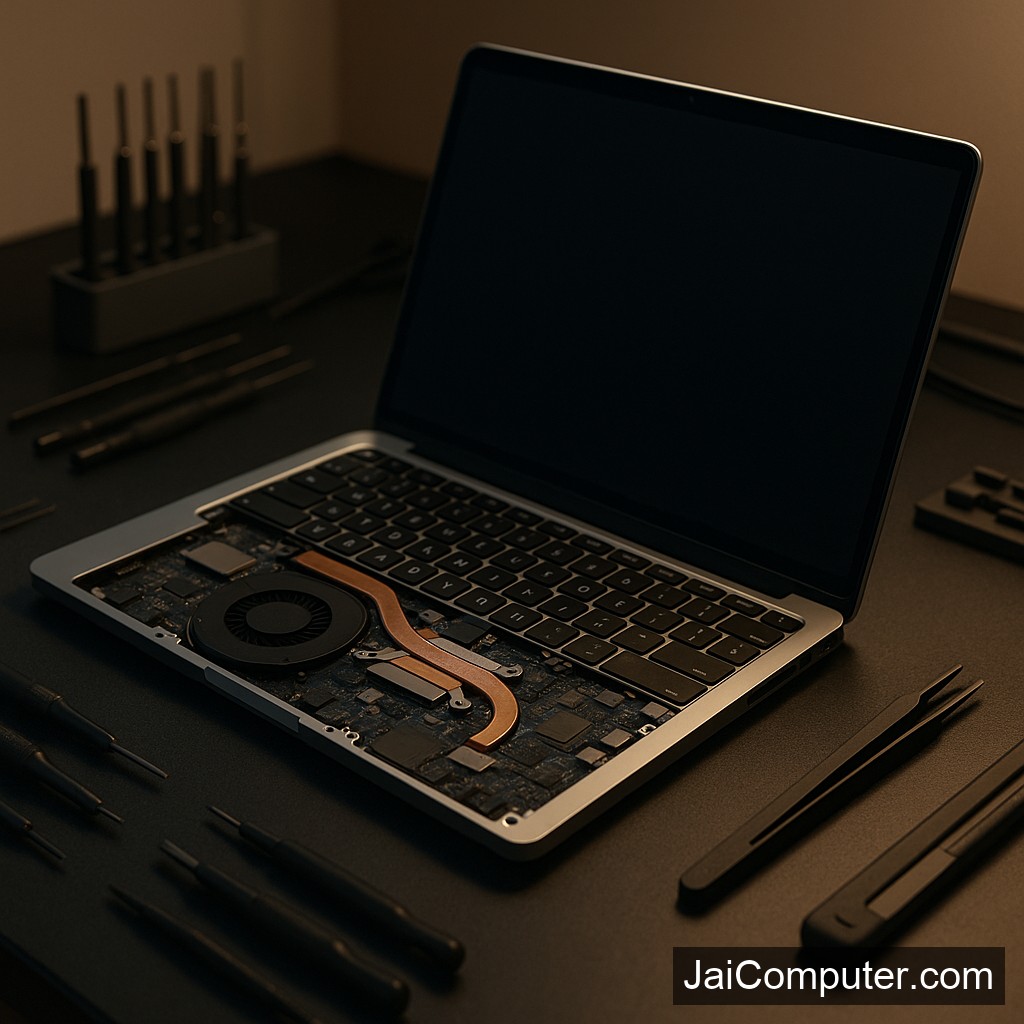
लैपटॉप अपने आप बंद होने की समस्या: समाधान और मरम्मत गाइड
लक्षण पहचानें
लैपटॉप का अचानक बंद होना एक आम समस्या है। इसके कुछ लक्षण निम्नलिखित हो सकते हैं:
- स्क्रीन अचानक काली हो जाती है।
- बिना किसी चेतावनी के लैपटॉप बंद हो जाता है।
- बूटिंग प्रक्रिया के दौरान रुकावट होती है।
संभावित कारण
अधिक गर्मी
लैपटॉप के वेंटिलेशन में अवरोध होने से यह ओवरहीट हो सकता है।
बैटरी की समस्या
खराब बैटरी या चार्जिंग में समस्या के कारण भी यह हो सकता है।
सॉफ़्टवेयर गड़बड़ी
पुराने ड्राइवर या ऑपरेटिंग सिस्टम के बग्स समस्या का कारण बन सकते हैं।
सुरक्षित चेक
वेंटिलेशन जांचें
वेंट्स साफ हैं या नहीं, यह देखें।
बैटरी निकालें
बैटरी निकालकर पावर एडाप्टर से सीधे चलाकर देखें।
सॉफ़्टवेयर अपडेट
सभी ड्राइवर और ओएस को अपडेटेड रखें।
क्या न करें
- लैपटॉप के हार्डवेयर को स्वयं खोलने की कोशिश न करें।
- अनधिकृत सॉफ़्टवेयर इंस्टॉल न करें।
कब मदद लें
अगर समस्या बनी रहती है, तो पेशेवर मदद जरूरी है।
रोकथाम के उपाय
- लैपटॉप की नियमित सफाई करें।
- सॉफ़्टवेयर को नियमित रूप से अपडेट करें।
- उचित वेंटिलेशन सुनिश्चित करें।
हमसे संपर्क करें
अगर समस्या का समाधान नहीं हो रहा है, तो जय कंप्यूटर्स ओसियन पर आकर विशेषज्ञों से सलाह लें।
अक्सर पूछे जाने वाले सवाल
- क्यों मेरा लैपटॉप बंद हो जाता है? यह अधिक गर्मी, बैटरी की समस्या या सॉफ़्टवेयर गड़बड़ी के कारण हो सकता है।
- क्या मैं खुद से इसे ठीक कर सकता हूँ? कुछ बुनियादी चेक कर सकते हैं, लेकिन जटिल समस्याओं के लिए विशेषज्ञ की जरूरत होती है।
- क्या डेटा सुरक्षित रहेगा? अगर हार्डवेयर की समस्या है, तो डेटा सुरक्षित नहीं हो सकता।
Laptop Automatic Shutdown: Solution and Repair Guide
Experiencing unexpected shutdowns on your laptop can be frustrating and disruptive. As an experienced technician from Jai Computers Osian, I will guide you through understanding and resolving this issue.
Identifying Common Symptoms
When your laptop shuts down automatically, you might notice:
- The screen goes black without warning.
- The laptop powers off unexpectedly during use.
- Frequent interruptions during startup or operation.
Understanding Likely Causes
Overheating
Overheating is a common cause of sudden shutdowns. Ensure the ventilation is unobstructed and the cooling fans are working properly.
Battery Issues
An old or faulty battery can also lead to shutdowns. Consider testing the laptop with the battery removed, running it directly on the power adapter.
Software Conflicts
Outdated drivers or operating system can cause instability. Ensure all software is up-to-date.
Safe Diagnostic Checks
- Check Ventilation: Place your laptop on a flat, hard surface to improve airflow.
- Battery Test: Remove the battery and try using the laptop with the power adapter only.
- Software Update: Check for and install any pending updates for your operating system and drivers.
What Not to Do
- Avoid disassembling your laptop if you lack technical expertise.
- Do not install software from untrusted sources, as this can introduce malware.
When to Seek Professional Help
If the problem persists despite basic checks, or if you encounter hardware issues, it’s time to seek professional assistance. At Jai Computers Osian, our experienced technicians can diagnose and fix complex issues safely.
Prevention Tips
- Regularly clean your laptop’s vents and fans to prevent dust accumulation.
- Use a cooling pad to help manage temperature.
- Ensure your antivirus software is up-to-date to avoid malware-related shutdowns.
Frequently Asked Questions
- Why does my laptop shut down automatically? This can be due to overheating, battery issues, or software conflicts.
- Can I fix this issue myself? You can perform basic checks, but complex problems require professional expertise.
- Is my data at risk? If the issue is hardware-related, there is a risk to your data. Regular backups are recommended.
For more assistance, visit our website or stop by Jai Computers Osian. Our team is ready to help you with all your laptop needs.