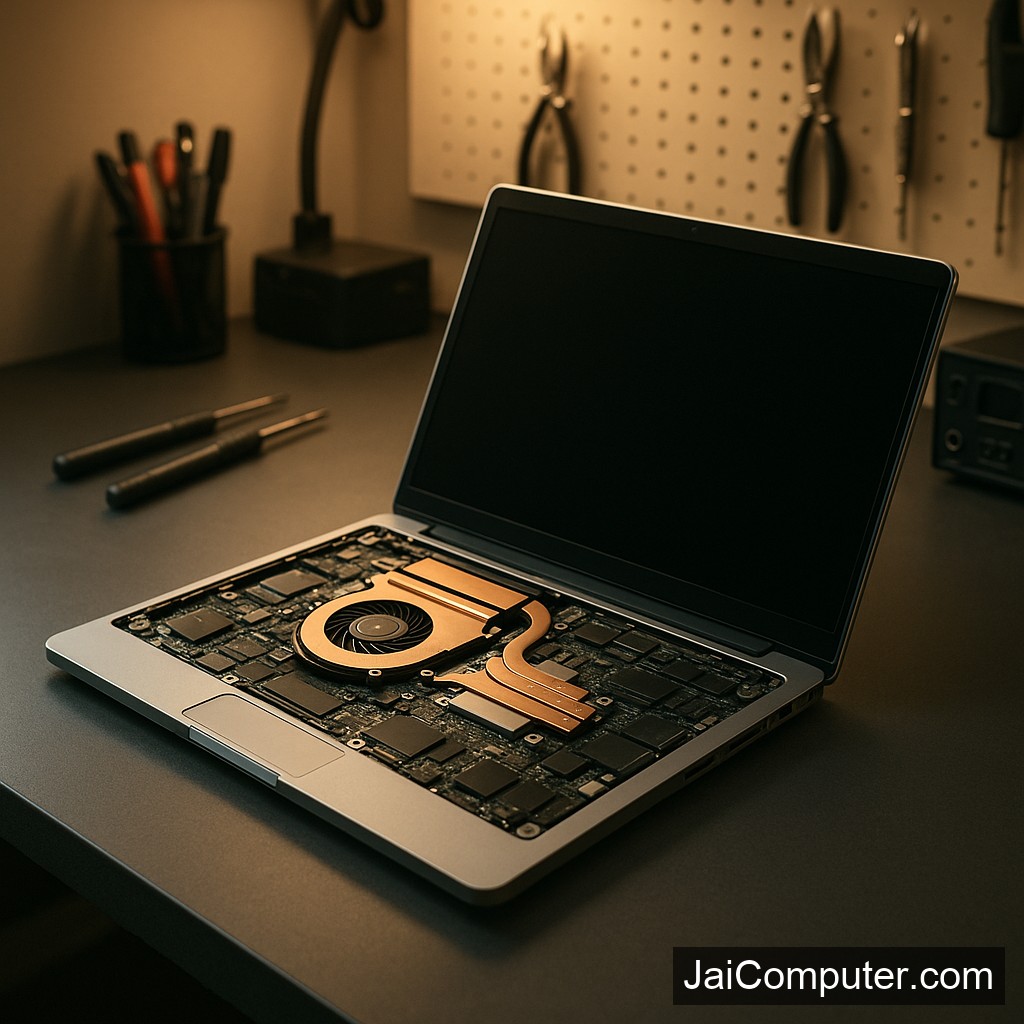
लैपटॉप ऑटोमैटिक शटडाउन: समाधान और मरम्मत गाइड
समस्या के आम लक्षण
लैपटॉप के अचानक बंद होने के कुछ प्रमुख लक्षण हो सकते हैं:
- लैपटॉप बिना किसी चेतावनी के बंद हो जाता है।
- उपयोग के दौरान सिस्टम फ्रीज हो जाता है।
- लैपटॉप का तापमान बहुत अधिक हो जाता है।
संभावित कारण
ओवरहीटिंग
लैपटॉप का अत्यधिक गर्म होना मुख्य कारण हो सकता है।
बैटरी की समस्या
पुरानी या खराब बैटरी भी शटडाउन का कारण बन सकती है।
सॉफ़्टवेयर गड़बड़ियाँ
सॉफ़्टवेयर में बग या पुराना ओएस भी समस्या पैदा कर सकता है।
डायग्नोस्टिक चेक
घर पर कुछ सरल जांच करें:
- तापमान की जांच करें। अत्यधिक गर्मी से बचने के लिए लैपटॉप के वेंट्स को साफ करें।
- बैटरी की स्थिति जांचें। बैटरी को हटाकर सीधे एसी पावर से लैपटॉप चलाएं।
- सॉफ़्टवेयर अपडेट की जांच करें। सुनिश्चित करें कि आपका ओएस और सभी ड्राइवर अपडेटेड हैं।
क्या नहीं करें
कभी भी लैपटॉप को पानी के संपर्क में न लाएं और बैटरी को खोलने की कोशिश न करें।
कब पेशेवर मदद लें
यदि समस्या बनी रहती है, या आपको डेटा की सुरक्षा की चिंता है, तो पेशेवर मदद लें।
रोकथाम के उपाय
- लैपटॉप को वेंटिलेशन वाली जगह पर रखें।
- रेगुलर सॉफ़्टवेयर अपडेट्स करें।
- बैटरी की नियमित जांच करें।
जै कंप्यूटर्स से संपर्क करें
यदि आपके पास कोई प्रश्न है या तकनीकी सहायता की आवश्यकता है, तो हमारी वेबसाइट पर जाएँ या हमारी दुकान में आएँ।
पूछे जाने वाले प्रश्न
- क्या बैटरी की खराबी भी शटडाउन का कारण हो सकती है? हाँ, बैटरी की खराबी से भी यह समस्या हो सकती है।
- क्या सॉफ़्टवेयर अपडेट से समस्या हल हो सकती है? कभी-कभी, अपडेट्स से समस्या हल हो सकती है।
- क्या मैं अपने लैपटॉप को स्वयं खोल सकता हूँ? नहीं, यह खतरनाक हो सकता है।
Laptop Automatic Shutdown: Solution and Repair Guide
Experiencing unexpected shutdowns on your laptop can be quite frustrating. Understanding the root causes and implementing the right solutions can help maintain your device’s longevity. This guide will walk you through diagnosing and addressing this issue effectively.
Recognizing the Symptoms
Before diving into solutions, it’s crucial to identify the symptoms that accompany automatic shutdowns:
- The laptop powers off suddenly without any warning.
- The system may freeze or become unresponsive during use.
- The device’s temperature may rise significantly, indicating possible overheating.
Identifying Likely Causes
Overheating Issues
Overheating is a common cause of unexpected shutdowns. Ensure that the laptop’s vents are not blocked and that the cooling fans are functioning properly.
Battery Problems
A faulty or aging battery can lead to power issues. Test the laptop by removing the battery and running it directly on AC power to see if the problem persists.
Software Glitches
Outdated software or drivers can cause system instability. Regularly update your operating system and drivers to minimize such issues.
Performing Safe Diagnostic Checks
- Check for Overheating: Use software tools to monitor the CPU and GPU temperatures. Clean the vents with compressed air if they are clogged.
- Battery Test: Remove the battery and use the laptop with the power adapter alone to see if it stays on.
- Update Software: Ensure that your operating system and all drivers are up to date. This can resolve many underlying software conflicts.
Precautions and What Not to Do
Some actions can worsen the problem or pose safety risks:
- Avoid using the laptop on soft surfaces like beds, which can block ventilation.
- Do not attempt to open the battery or internal components yourself, as this can be dangerous.
- Refrain from exposing your laptop to extreme temperatures or moisture.
When to Seek Professional Help
If the above steps do not resolve the issue or if you are uncomfortable performing any checks, it is wise to consult professionals. At Jai Computers Osian, our experienced technicians can diagnose and repair your laptop efficiently. Visit our store for expert assistance.
Preventive Measures
To avoid future shutdowns, consider the following preventive tips:
- Regularly clean your laptop’s vents and fans to prevent dust buildup.
- Invest in a cooling pad to help manage heat during intensive tasks.
- Conduct routine software updates to keep your system running smoothly.
Frequently Asked Questions
- Can a faulty battery cause shutdowns? Yes, a faulty battery can lead to unexpected shutdowns due to inconsistent power supply.
- Can software updates fix the issue? In many cases, updating software and drivers can resolve shutdown problems caused by software conflicts.
- Can I open my laptop myself? It is not recommended to open your laptop on your own, as it can void warranties and pose safety risks.