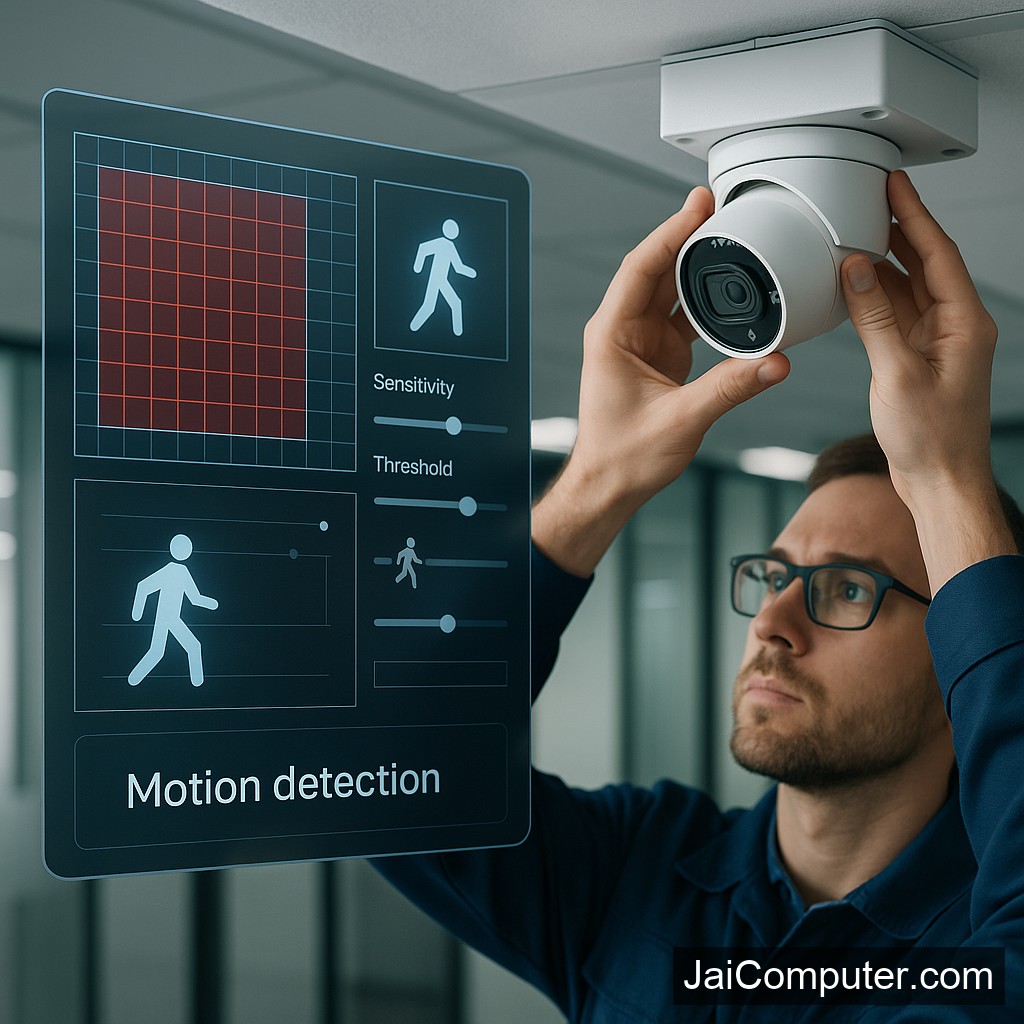
CCTV मोशन डिटेक्शन अलर्ट नहीं मिल रहा? आसान उपाय!
समस्या के लक्षण
अगर आपके CCTV में मोशन डिटेक्शन अलर्ट नहीं आ रहे हैं, तो निम्नलिखित समस्याएं हो सकती हैं:
- आपको कोई अलर्ट नहीं मिल रहा है।
- रिकॉर्डिंग में कोई गतिविधि नहीं दिखाई दे रही।
- सिस्टम की सेटिंग्स में कोई बदलाव नहीं हो रहा है।
संभावित कारण
यह समस्या कई कारणों से हो सकती है:
- मोशन डिटेक्शन का फीचर बंद हो सकता है।
- कैमरे का सेंसर गंदा हो सकता है।
- सॉफ़्टवेयर अपडेट की कमी।
सुरक्षित डायग्नोस्टिक चेक
कैमरे की सेटिंग्स की जाँच
- कैमरे की सेटिंग्स में जाकर मोशन डिटेक्शन को ऑन करें।
- सेंसर की सफाई करें और उसकी स्थिति सुनिश्चित करें।
सिस्टम अपडेट
- सिस्टम की अपडेट्स को चेक करें और इंस्टॉल करें।
क्या न करें
- सिस्टम को बिना कारण रीसेट न करें।
- कैमरे को अनप्लग न करें।
- बिना जानकारी के सेटिंग्स में बदलाव न करें।
कब पेशेवर मदद लें
अगर उपरोक्त उपायों के बाद भी समस्या बनी रहती है, तो पेशेवर मदद लें। आप हमारे विशेषज्ञों से सलाह के लिए जय कंप्यूटर्स ओसियान में संपर्क कर सकते हैं।
रोकथाम के उपाय
- नियमित रूप से कैमरे की सफाई करें।
- सॉफ्टवेयर अपडेट्स नियमित रूप से चेक करें।
- सेटिंग्स को समय-समय पर वेरिफाई करें।
अक्सर पूछे जाने वाले सवाल
- क्या मोशन डिटेक्शन सभी कैमरों में होता है? नहीं, यह सभी मॉडलों में उपलब्ध नहीं है।
- क्या मोशन डिटेक्शन के लिए इंटरनेट जरूरी है? नहीं, लेकिन नोटिफिकेशन के लिए यह आवश्यक हो सकता है।
- क्या मैं खुद से सिस्टम को अपडेट कर सकता हूँ? हाँ, लेकिन सावधानीपूर्वक करें।
समस्या के समाधान के लिए जय कंप्यूटर्स ओसियान का दौरा करें और हमारे विशेषज्ञों से परामर्श लें।
Understanding CCTV Motion Detection Issues
When your CCTV system fails to send motion detection alerts, it can be frustrating. Fortunately, resolving this issue is often straightforward. This guide will help you fix the problem step by step.
Common Symptoms
Identifying the symptoms of a motion detection issue is the first step:
- No notifications are being received when there is movement.
- Recorded footage shows no activity despite visible motion.
- Changes in motion detection settings are not reflected in operation.
Likely Causes
Understanding potential causes can help in diagnosing the issue:
- Motion detection settings are disabled or incorrectly configured.
- Outdated firmware or software affecting performance.
- Dirty or obstructed sensors affecting motion detection capabilities.
- Network connectivity issues preventing alert notifications.
Diagnostic Checks
Check Motion Detection Settings
- Access the CCTV system settings via the control panel or app.
- Ensure motion detection is enabled and sensitivity levels are set appropriately.
Inspect and Clean Sensors
- Gently clean the camera lenses and sensors with a soft cloth.
- Ensure there are no obstructions blocking the camera’s view.
Update System Software
- Check for available firmware or software updates.
- Follow the manufacturer’s instructions to install updates, ensuring the system is connected to a stable network.
Things to Avoid
To prevent further issues, avoid the following actions:
- Do not reset the system without understanding the consequences, as it may erase settings.
- Avoid unplugging cameras or power sources, which can cause system disruptions.
- Refrain from altering advanced settings without proper knowledge, as it may lead to further complications.
When to Seek Professional Help
If the problem persists despite following these steps, it may be time to consult a professional. Visit our Jai Computers Osian store for expert assistance. Our experienced technicians are ready to help you resolve complex issues.
Prevention Tips
To avoid future motion detection issues:
- Regularly clean and maintain your CCTV cameras.
- Schedule routine checks of system settings and updates.
- Ensure a reliable network connection for alert notifications.
Frequently Asked Questions
- Is motion detection available on all CCTV cameras? Not all cameras have this feature. It’s important to check the specifications before purchasing.
- Does motion detection require an internet connection? Motion detection itself does not require the internet, but notifications typically do.
- Can I update the system myself? Yes, updating is possible, but follow instructions carefully to avoid issues.