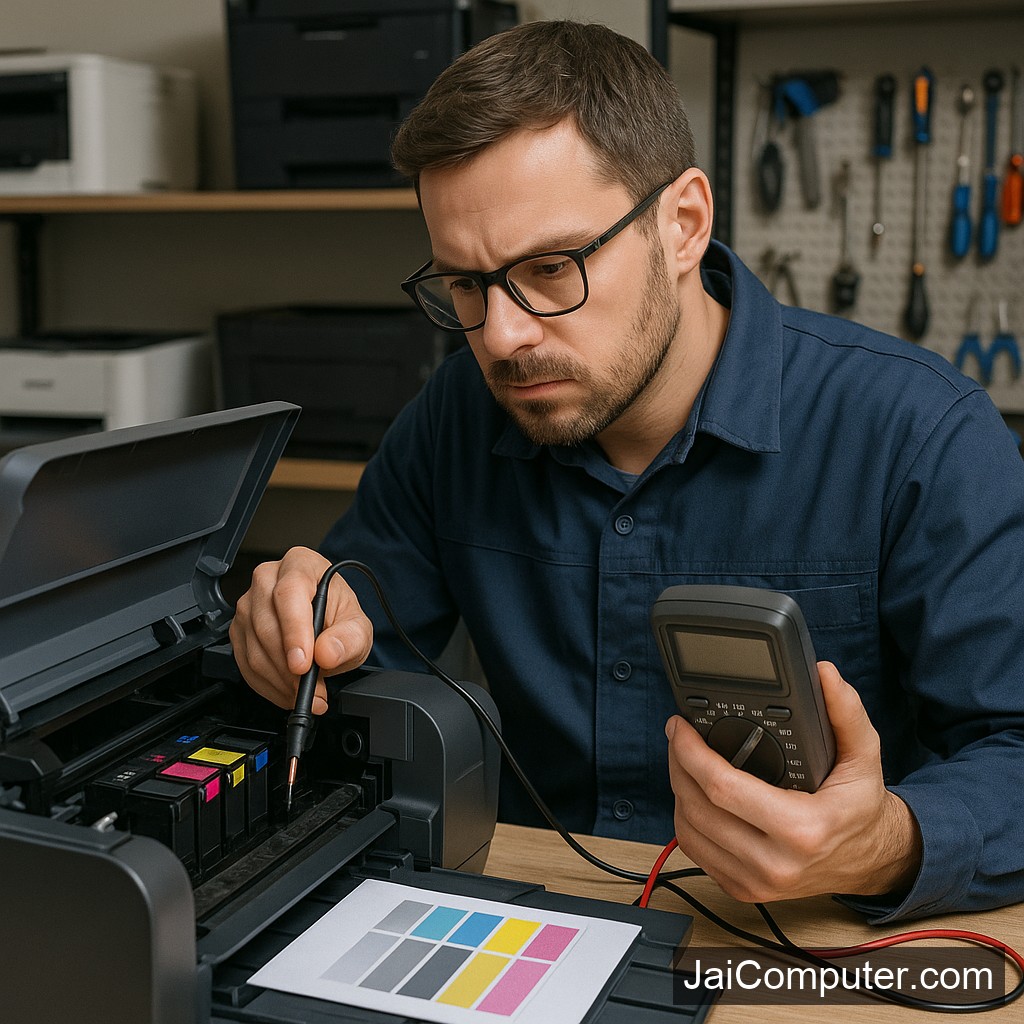
प्रिंटर का रंग फीका हो रहा है? इंक कार्ट्रिज रिफिल और एलाइनमेंट चेक करें
अगर आपका प्रिंटर सही से प्रिंट नहीं कर रहा और रंग फीका आ रहा है, तो यह एक आम समस्या है। इस समस्या को हल करने के लिए कुछ सरल कदम उठाना आवश्यक है ताकि आप अपने प्रिंटर से सर्वोत्तम प्रिंट निकाल सकें।
आम लक्षण
रंग फीका आना, प्रिंट की गुणवत्ता घट जाना, और कुछ लाइनें गायब होना प्रिंटर में आम समस्याएं होती हैं।
संभावित कारण
इंक की कमी
अक्सर प्रिंटर में इंक कार्ट्रिज में इंक की कमी के कारण रंग फीका प्रिंट होता है।
एलाइनमेंट समस्या
एलाइनमेंट में गड़बड़ी भी प्रिंट की गुणवत्ता को प्रभावित कर सकती है।
सुरक्षित जांच
इंक कार्ट्रिज जांचें
- प्रिंटर का दरवाजा खोलें और कार्ट्रिज को ध्यान से निकालें।
- कार्ट्रिज को हल्के से हिलाएं ताकि इंक समान रूप से फैल सके।
- अगर कार्ट्रिज खाली है, तो इसे फिर से भरें या नया कार्ट्रिज लगाएं।
एलाइनमेंट चेक करें
- सेटिंग्स में जाकर ‘प्रिंटर एलाइनमेंट’ विकल्प चुनें।
- निर्देशों का पालन करें और एलाइनमेंट प्रक्रिया पूरी करें।
क्या न करें
प्रिंटर के अंदरूनी हिस्सों को अनजाने में न छुएं। अगर समस्या गंभीर है, तो जय कंप्यूटर्स ओसियन पर संपर्क करें।
कब पेशेवर मदद लें
अगर इन उपायों से समस्या हल नहीं होती, तो पेशेवर तकनीशियन की मदद लें।
रोकथाम के उपाय
- प्रिंटर का नियमित रूप से रखरखाव करें।
- उच्च गुणवत्ता वाली इंक का उपयोग करें।
- समय-समय पर एलाइनमेंट चेक करते रहें।
अक्सर पूछे जाने वाले प्रश्न
- रंग फीका क्यों आ रहा है? इंक की कमी या एलाइनमेंट समस्या हो सकती है।
- क्या मैं खुद इंक भर सकता हूँ? हाँ, लेकिन सावधानीपूर्वक।
- प्रिंटर एलाइनमेंट कैसे चेक करें? प्रिंटर की सेटिंग्स में जाकर ‘प्रिंटर एलाइनमेंट’ चुनें।
अगर समस्या हल नहीं होती, तो हमारे विशेषज्ञों से सलाह लें। जय कंप्यूटर्स ओसियन में आपका स्वागत है।
Is Your Printer Color Faint? Here’s How to Fix It
Printing issues can be frustrating, especially when colors appear faint. As an experienced technician from Jai Computers Osian, I’ll guide you through effective solutions to address this problem and ensure your printer performs at its best.
Symptoms of Faint Printer Colors
Recognizing the Issue
Before diving into solutions, it’s important to identify the symptoms. Common signs of faint printer colors include:
- Colors appear washed out or lighter than expected.
- Print quality is inconsistent across different pages.
- Lines or patterns appear incomplete or missing.
Investigating the Causes
Check Ink Cartridge Levels
An often overlooked cause of faint colors is low or empty ink cartridges. To check and address this:
- Open the printer cover carefully to access the cartridges.
- Remove the cartridge and gently shake it to redistribute the ink.
- If the cartridge is low, refill it or replace it with a new one.
Ensure Proper Cartridge Installation
Incorrectly installed cartridges can also lead to print issues. Ensure that each cartridge clicks securely into place.
Align Your Printer
Steps to Check Alignment
Misalignment can cause faint colors and other print quality issues. To check and correct alignment:
- Navigate to your printer’s settings menu.
- Select the ‘Printer Alignment’ option.
- Follow the on-screen instructions to complete the alignment process.
What Not to Do
While it’s tempting to solve issues quickly, avoid these actions:
- Do not touch internal printer parts without knowledge.
- Avoid using non-compatible or expired cartridges.
- Refrain from using excessive force when handling cartridges.
When to Seek Professional Help
If the problem persists after trying these steps, it might indicate a deeper issue. In such cases, consult a professional:
- Persistent print quality problems.
- Unusual noises or error messages.
- Repeated paper jams or cartridge errors.
Visit us at Jai Computers Osian for expert assistance.
Preventive Measures
Regular Maintenance Tips
To prevent future issues with your printer, consider these maintenance tips:
- Regularly clean the printer’s exterior and interior (without disassembling).
- Keep the software and drivers updated.
- Use high-quality paper and ink cartridges.
Frequently Asked Questions
- Why is the color faint? Faint colors can be due to low ink levels or misalignment.
- Can I refill the ink myself? Yes, but ensure you follow proper refilling procedures to avoid leaks.
- How do I check printer alignment? Access the printer settings menu and select ‘Printer Alignment’ to follow the steps provided.
For more detailed assistance, visit us at Jai Computers Osian. Our team is ready to help you with all your printer needs.