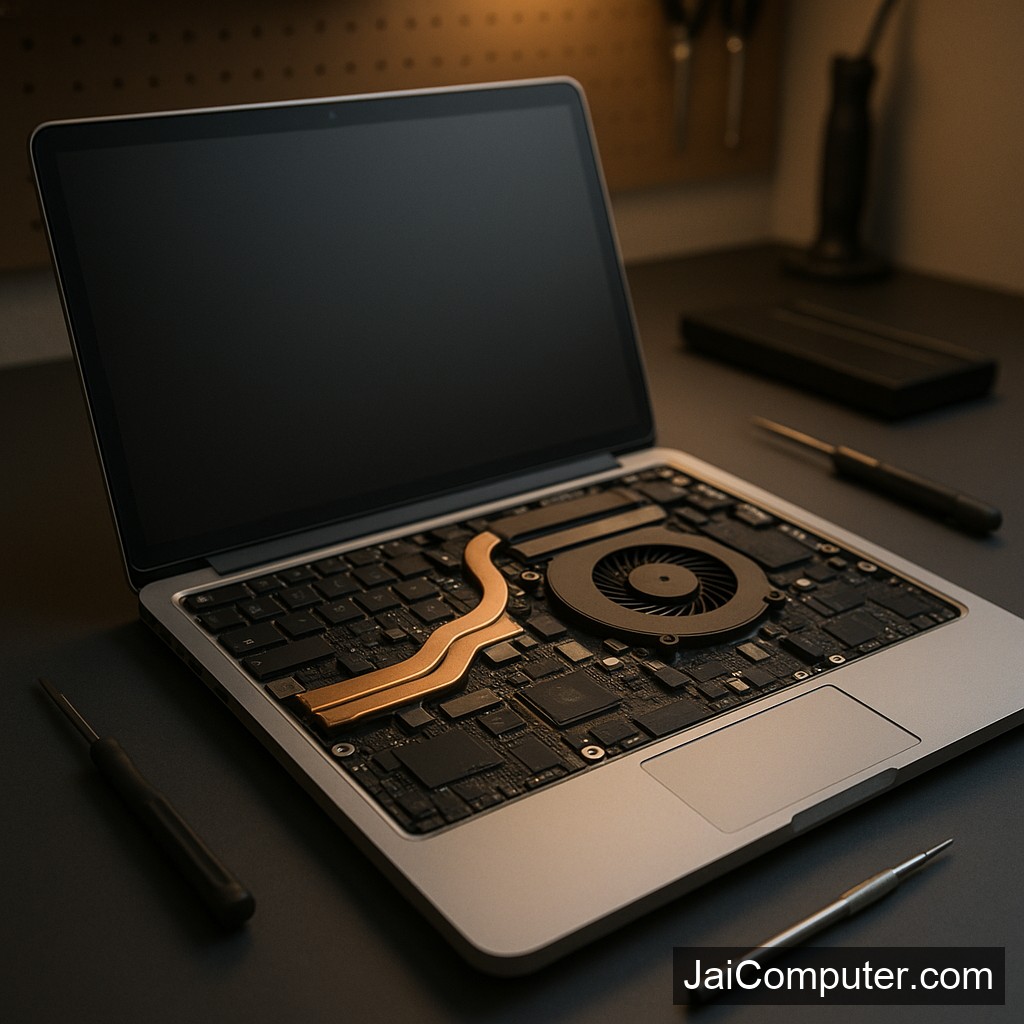
लैपटॉप ऑटोमेटिक शटडाउन: समस्या और समाधान मार्गदर्शिका
लक्षण और संकेत
जब आपका लैपटॉप अचानक बंद हो जाता है, तो यह कई संभावित समस्याओं का संकेत हो सकता है। कुछ आम लक्षणों में शामिल हैं:
- लैपटॉप बिना किसी सूचना के बंद हो जाता है।
- रिबूट होने में देरी होती है या बिल्कुल नहीं होता।
- लैपटॉप का अत्यधिक गर्म होना।
- पंखे की आवाज असामान्य रूप से तेज होती है।
संभावित कारण
1. ओवरहीटिंग
ओवरहीटिंग लैपटॉप के अचानक बंद होने का एक प्रमुख कारण हो सकता है।
2. बैटरी की समस्या
पुरानी या खराब बैटरी भी इस समस्या का कारण बन सकती है।
3. सॉफ्टवेयर गड़बड़ियाँ
बग्स या आउटडेटेड सॉफ़्टवेयर भी शटडाउन का कारण बन सकते हैं।
4. हार्डवेयर खराबी
हार्डवेयर के भीतर कोई डिफेक्ट या कनेक्शन समस्या हो सकती है।
सेफ चेकलिस्ट: घर पर करें ये डायग्नोस्टिक चेक
- लैपटॉप की वेंट्स को साफ करें ताकि एयरफ्लो सही रहे।
- बैटरी की स्थिति की जांच करें और सुनिश्चित करें कि यह पूरी तरह से चार्ज हो रही है।
- सॉफ़्टवेयर अपडेट की जाँच करें और नवीनतम वर्जन इंस्टॉल करें।
- पावर सेटिंग्स की समीक्षा करें और सुनिश्चित करें कि वे सही हैं।
क्या न करें
- लैपटॉप को खुद से खोलने की कोशिश न करें जब तक कि आपको पूरी जानकारी न हो।
- हार्डवेयर को जबरदस्ती हटाने या लगाने की कोशिश न करें।
कब पेशेवर मदद लें
यदि आपके द्वारा किए गए सभी चेक के बाद भी समस्या बनी रहती है, या यदि यह हार्डवेयर से संबंधित है, तो जाई कंप्यूटर्स ओसियन से संपर्क करें।
निवारण के तरीके
- लैपटॉप को नियमित रूप से साफ रखें।
- सॉफ़्टवेयर को अपडेटेड रखें।
- बैटरी की नियमित जांच करें।
FAQ
- क्या ओवरहीटिंग मुख्य कारण हो सकता है? हां, यह एक आम कारण है।
- क्या बैटरी बदलना समस्या का समाधान हो सकता है? हां, अगर बैटरी पुरानी या खराब है।
- क्या सॉफ़्टवेयर अपडेट मदद कर सकता है? हां, यह समस्या को हल करने में सहायक हो सकता है।
Laptop Automatic Shutdown: Causes and Solutions
Experiencing unexpected laptop shutdowns can be frustrating, particularly during important tasks. In this guide, we will explore the causes and solutions to this problem.
Recognizing the Symptoms
Understanding the symptoms of automatic shutdowns can help in diagnosing the issue:
- The laptop powers off suddenly without warning.
- There are delays or difficulties in rebooting.
- The device feels excessively hot, especially around the vents.
Common Causes of Shutdown
Overheating
Overheating is a prevalent cause of automatic shutdowns. It occurs when the internal components get too hot, often due to blocked vents or a failing cooling fan.
Battery Issues
An aging or faulty battery may not hold charge properly, leading to unexpected shutdowns.
Power Settings
Incorrect power settings can cause your laptop to shut down automatically. Ensure the settings are configured correctly for your usage.
Home Diagnostic Checklist
Perform these safe checks at home to identify potential causes:
- Clean the Vents: Use compressed air to remove dust from the vents to prevent overheating.
- Check Battery Health: Use built-in diagnostic tools to assess battery health.
- Update Software: Ensure your operating system and drivers are up-to-date to fix potential bugs.
- Review Power Settings: Adjust settings to prevent unnecessary shutdowns due to inactivity.
Actions to Avoid
Some actions might worsen the problem:
- Avoid opening the laptop if you lack technical expertise, as this can lead to further damage.
- Do not force or tamper with internal components, which might void warranties.
When to Seek Professional Help
If your laptop continues to shut down despite following these steps, it may be time to consult a professional. Persistent issues can indicate hardware failures or more complex problems that require expert attention. For reliable service, consider visiting Jai Computers Osian for assistance.
Preventive Measures
To avoid future shutdown issues, consider these preventive measures:
- Regularly clean the laptop’s ventilation system.
- Keep software and drivers updated to the latest versions.
- Use a cooling pad to enhance airflow.
- Monitor battery health and replace it when necessary.
FAQs
- Is overheating the main reason for shutdowns? Yes, overheating is a common cause of unexpected shutdowns.
- Can replacing the battery fix the issue? Replacing an old or failing battery can sometimes resolve the problem.
- Will a software update help? Updating software may resolve issues related to bugs or system errors.