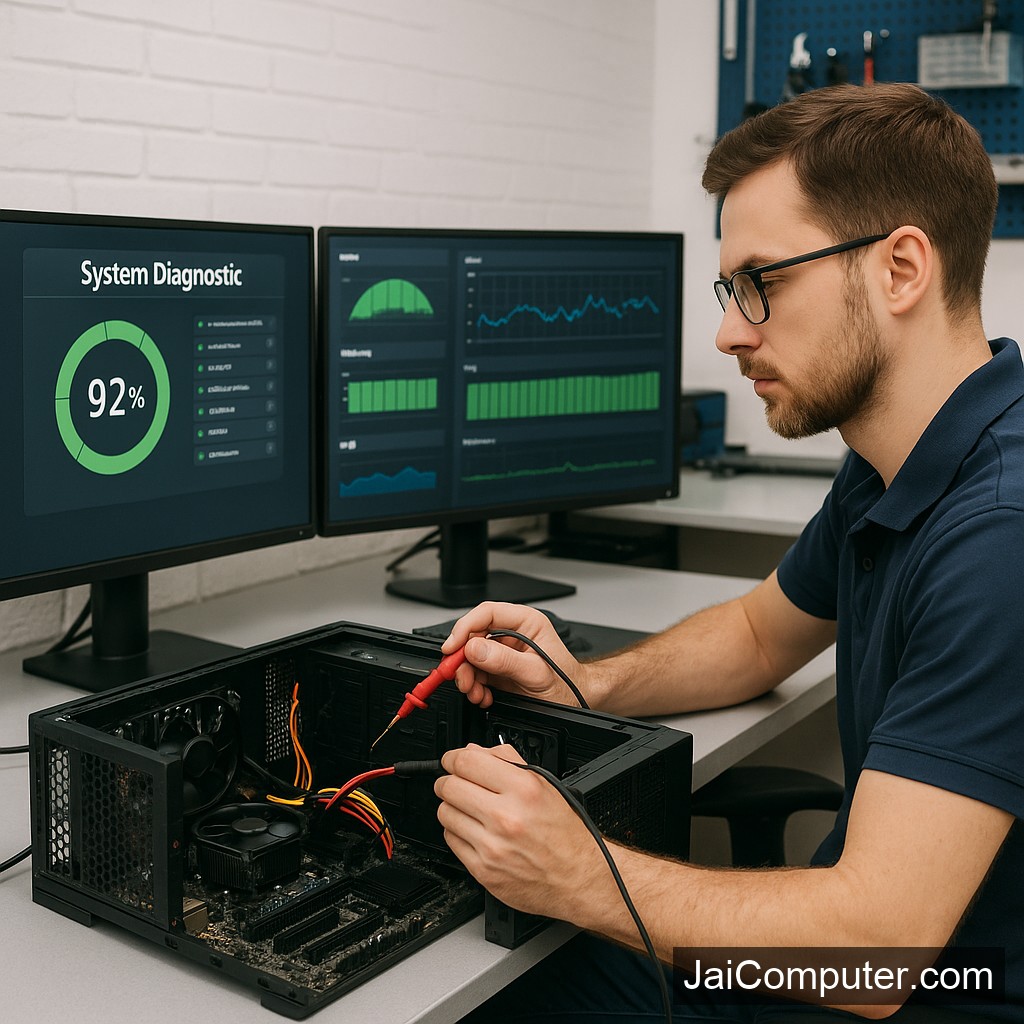
कंप्यूटर स्लो चल रहा है? सरल तरीके से स्पीड बढ़ाएं
क्या आपका कंप्यूटर धीमा चल रहा है और आप परेशान हैं? चिंता मत करें, ‘जय कंप्यूटर्स ओसियां’ के विशेषज्ञ की तरह हम आपको कुछ सरल उपाय बताएंगे जिनसे आप अपने कंप्यूटर की स्पीड बढ़ा सकते हैं।
आम लक्षण
अगर आपका कंप्यूटर धीरे काम कर रहा है, तो शायद आप निम्नलिखित समस्याओं का सामना कर रहे होंगे:
- सिस्टम स्टार्टअप में देरी
- प्रोग्राम्स का धीरे-धीरे खुलना
- फाइल्स का लोड होने में समय लगना
- बार-बार फ्रीज होना या हैंग होना
संभावित कारण
इन समस्याओं के पीछे कई कारण हो सकते हैं:
- अप्रचलित सॉफ़्टवेयर और ड्राइवर्स
- अनावश्यक फाइल्स का जमाव
- कम रैम या हार्ड डिस्क स्थान
- मैलवेयर या वायरस संक्रमण
घर पर करें ये डायग्नोस्टिक चेक
सॉफ़्टवेयर अपडेट करें
अपने ऑपरेटिंग सिस्टम और सभी प्रोग्राम्स को अपडेट रखें।
अनावश्यक फाइल्स हटाएं
अनइंस्टॉल करें वो प्रोग्राम्स जो आप उपयोग नहीं करते।
डिस्क क्लीनअप और डीफ़्रैगमेंटेशन
इन टूल्स का उपयोग करके हार्ड डिस्क को ऑप्टिमाइज़ करें।
एंटीवायरस स्कैन चलाएं
विश्वसनीय एंटीवायरस से नियमित स्कैन करें।
क्या ना करें
इन बातों का ध्यान रखें:
- सिस्टम फाइल्स को डिलीट ना करें।
- अनजान सॉफ़्टवेयर इंस्टॉल ना करें।
- बिना बैकअप के सिस्टम सेटिंग्स में बदलाव ना करें।
कब संपर्क करें ‘जय कंप्यूटर्स ओसियां’
अगर समस्या गंभीर है या डेटा संवेदनशील है, तो हमारी वेबसाइट के संपर्क पृष्ठ पर जाएं या हमारे ओसियां स्टोर में आएं।
रोकथाम के उपाय
अपने कंप्यूटर को सुचारू रूप से चलाने के लिए:
- नियमित रूप से सिस्टम अपडेट करें।
- महत्वपूर्ण डेटा का बैकअप लें।
- अनावश्यक फाइल्स को समय-समय पर हटाएं।
सामान्य प्रश्न
- क्या मैं खुद से हार्डवेयर अपग्रेड कर सकता हूँ? अगर आप अनुभवहीन हैं, तो विशेषज्ञ की मदद लें।
- कितनी बार एंटीवायरस स्कैन करना चाहिए? महीने में कम से कम एक बार।
- क्या मेरे कंप्यूटर को नया ऑपरेटिंग सिस्टम चाहिए? यह निर्भर करता है कि आपका सिस्टम कितना पुराना है।
Diagnosing Slow Computer Issues
Experiencing a slow computer can be frustrating, but understanding the symptoms and causes is the first step toward a solution. As an experienced technician from Jai Computers Osian, I’m here to guide you through the process.
Common Symptoms of a Slow Computer
When a computer is underperforming, you might notice:
- Long boot-up times
- Applications taking too long to open
- Files loading slowly
- Frequent system freezes or crashes
Possible Causes of Slow Performance
Several factors can contribute to a computer running slowly:
- Insufficient RAM or outdated hardware
- Too many startup programs
- Accumulated temporary files
- Malware or viruses
- Outdated software or drivers
Safe Checks and Fixes You Can Do
Update Your Software
Ensure all your software, including the operating system, is up to date. This can fix bugs and improve performance.
Manage Startup Programs
Disable unnecessary startup programs to speed up boot times. Use the Task Manager in Windows or System Preferences on a Mac.
Clean Up Disk Space
Run disk cleanup utilities and remove temporary files. Regularly empty your recycle bin and uninstall unused programs.
Run Antivirus Scans
Perform a full antivirus scan to detect and remove any malware. Regular scans help maintain system health.
What Not to Do
- Avoid deleting system files, as this can cause instability.
- Do not install software from untrusted sources.
- Refrain from changing system settings without proper knowledge or a backup.
When to Seek Professional Assistance
Some issues are best handled by professionals. If your computer continues to lag despite your efforts, or if you have sensitive data at risk, it’s time to consult experts. Visit Jai Computers Osian’s website or stop by our store for assistance.
Preventive Measures
To prevent future slowdowns, consider these preventive steps:
- Regularly update your software and drivers.
- Conduct monthly antivirus scans.
- Keep your computer dust-free and cool.
- Consider upgrading hardware if applicable.
Frequently Asked Questions
- Can I upgrade hardware myself? If you are not experienced, it’s best to seek professional help to avoid damaging components.
- How often should I run antivirus scans? Run a full scan at least once a month to maintain security.
- Does my computer need a new operating system? This depends on the age and condition of your system. Consult a professional for advice.
For more personalized support, visit Jai Computers Osian. We’re here to help you keep your computer running smoothly.