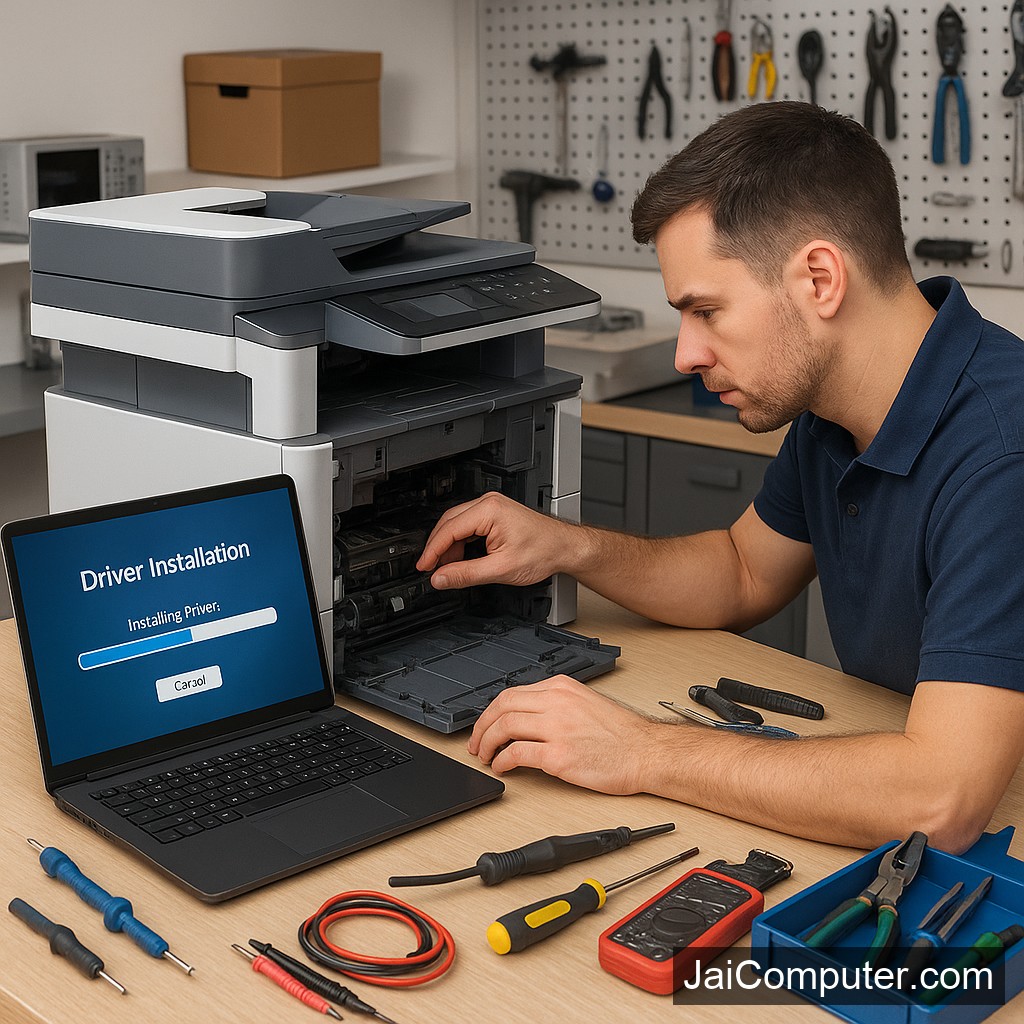
प्रिंटर ड्राइवर एरर: समाधान का परिचय
प्रिंटर ड्राइवर इंस्टॉल करते समय एरर आना एक आम समस्या है, लेकिन इसे सुलझाना मुश्किल नहीं है। इस गाइड में हम आपको इस समस्या का समाधान सरल तरीके से बताएंगे।
आम लक्षण
प्रिंटर ड्राइवर एरर के लक्षण पहचानना जरूरी है ताकि आप सही समाधान चुन सकें:
- प्रिंटर कंप्यूटर से कनेक्ट नहीं हो रहा।
- प्रिंटिंग कमांड देने पर कोई प्रतिक्रिया नहीं।
- ‘ड्राइवर नॉट फाउंड’ या ‘इंस्टॉलेशन फेल्ड’ जैसे एरर मैसेज।
संभावित कारण
यहां कुछ आम कारण दिए गए हैं:
- पुराना या असंगत ड्राइवर।
- सिस्टम अपडेट के बाद ड्राइवर का गड़बड़ाना।
- नेटवर्क या कनेक्शन समस्याएं।
समस्या का निदान कैसे करें
सही कनेक्शन की जाँच
यह सुनिश्चित करें कि सभी केबल सही तरीके से जुड़े हैं और प्रिंटर ऑन है।
ड्राइवर अपडेट और पुनः इंस्टॉलेशन
- प्रिंटर की आधिकारिक वेबसाइट से नवीनतम ड्राइवर डाउनलोड करें।
- पुराने ड्राइवर को अनइंस्टॉल करें।
- डाउनलोड किए गए ड्राइवर को इंस्टॉल करें।
- सिस्टम को रिस्टार्ट करें और प्रिंटर की जाँच करें।
क्या न करें
इन बातों का ध्यान रखें:
- अज्ञात स्रोतों से ड्राइवर डाउनलोड न करें।
- बार-बार इंस्टॉलेशन का प्रयास करने से बचें।
- यदि समस्या बार-बार आती है, तो विशेषज्ञ की मदद लें।
कब विशेषज्ञ की मदद लें
अगर समस्या का समाधान उपरोक्त तरीकों से नहीं होता है या अगर प्रिंटर में हार्डवेयर समस्या है, तो पेशेवर मदद लें।
समस्या की रोकथाम
- सिस्टम और ड्राइवर को नियमित रूप से अपडेट रखें।
- विश्वसनीय स्रोतों से ही ड्राइवर डाउनलोड करें।
- प्रिंटर उपयोग के समय सावधानी बरतें।
जाय कंप्यूटर्स से संपर्क करें
अगर आप ओसियन के आसपास हैं और समस्या का समाधान नहीं कर पा रहे हैं, हमारी वेबसाइट पर संपर्क करें या हमारे स्टोर पर आएं।
FAQ
- क्या मैं खुद से ड्राइवर इंस्टॉल कर सकता हूं? हां, लेकिन अगर आप निश्चित नहीं हैं, तो विशेषज्ञ की मदद लें।
- ड्राइवर अपडेट क्यों जरूरी है? नए फीचर्स के लिए और बग्स को ठीक करने के लिए।
- क्या सभी प्रिंटर के लिए एक ही ड्राइवर होता है? नहीं, प्रत्येक मॉडल के लिए अलग ड्राइवर होता है।
Understanding Printer Driver Errors
Printer driver errors can be frustrating, especially when you need to print important documents. These errors often occur during installation or updates, but they can be addressed effectively with the right approach.
Recognizing Common Symptoms
Identifying the symptoms of a printer driver error is the first step towards resolving it. Look out for these signs:
- The printer fails to connect to your computer.
- Print commands result in no response.
- Error messages such as ‘Driver not found’ or ‘Installation failed’ appear.
Potential Causes of Driver Errors
Understanding the causes helps in addressing the issue efficiently. Here are some likely causes:
- Incorrect or outdated drivers.
- Corrupted driver files.
- Compatibility issues with the operating system.
Step-by-Step Troubleshooting Guide
1. Verify Connections
Ensure that your printer is properly connected to the computer via USB or network. A loose connection can lead to errors.
2. Download the Correct Driver
Visit the official website of your printer manufacturer to download the latest driver compatible with your operating system. Avoid third-party sites as they may host unreliable drivers.
3. Reinstall the Driver
Uninstall any existing driver from your system before reinstalling. Restart your computer and proceed with the installation of the new driver.
Practices to Avoid
To prevent further complications, keep these points in mind:
- Do not download drivers from unverified sources.
- Avoid multiple installation attempts which can corrupt system files.
- Refrain from making internal repairs, as this can void warranties or cause damage.
When to Seek Professional Assistance
If these steps do not resolve the issue, it may be time to consult a professional. Complicated problems or sensitive data concerns warrant expert help. Consider reaching out to experienced technicians at Jai Computers Osian for reliable solutions.
Preventing Future Driver Issues
Preventive measures can save you from future hassles:
- Regularly update your printer drivers to the latest versions.
- Use compatible printers and drivers for your operating system.
- Maintain a backup of important drivers and system settings.
FAQs
- Can I install drivers myself? Yes, but if you’re unsure, seek expert help to avoid mistakes.
- Why is updating drivers important? Updates provide new features and fix bugs, ensuring optimal performance.
- Are all printers compatible with the same driver? No, each printer model requires a specific driver tailored to its functions.
If you need further assistance, feel free to contact Jai Computers Osian through our website or visit us at our store in Osian for expert guidance.